
Before you begin, make sure you have:
How to Start Your Free Lovelo Tour!
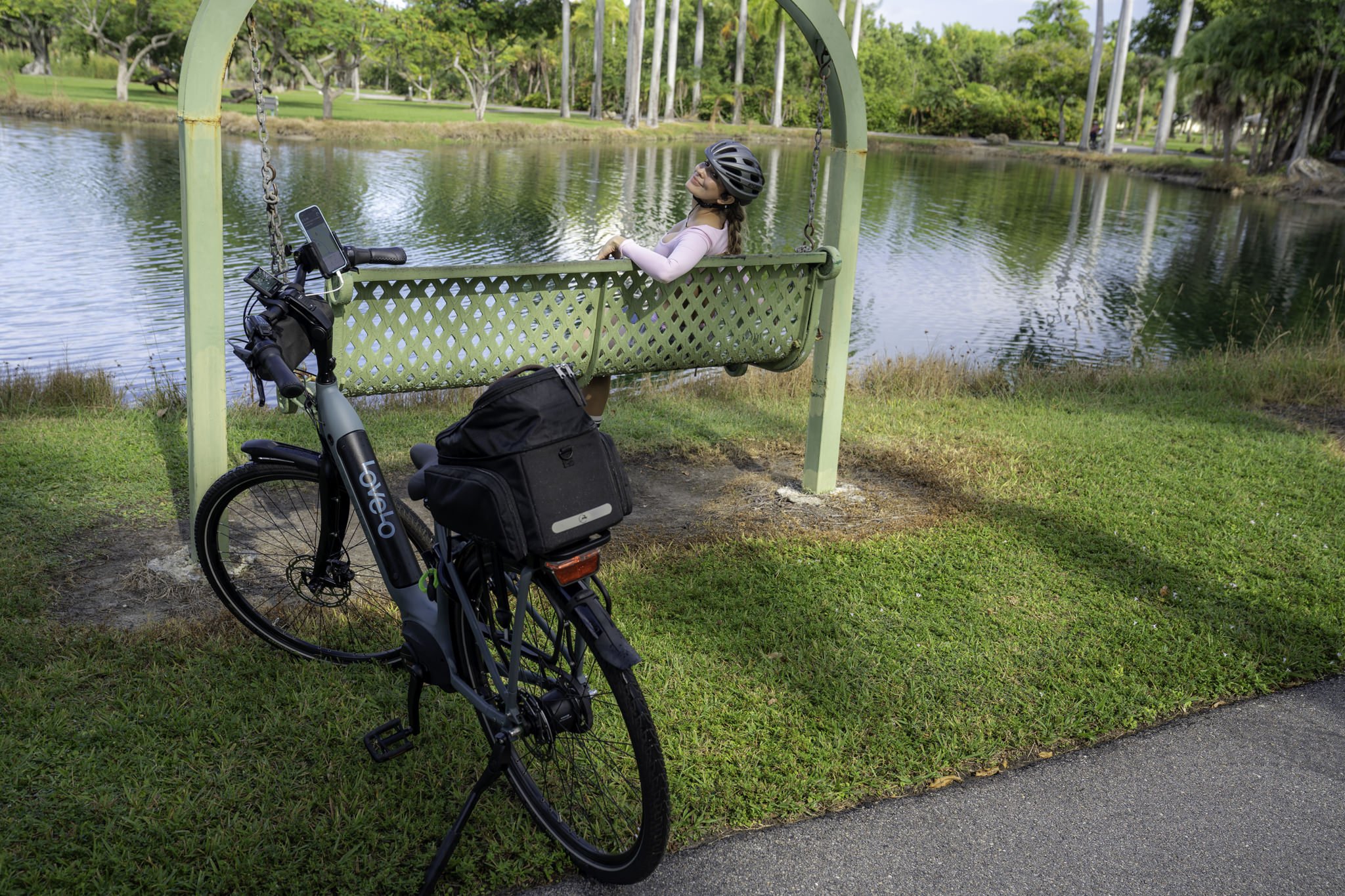
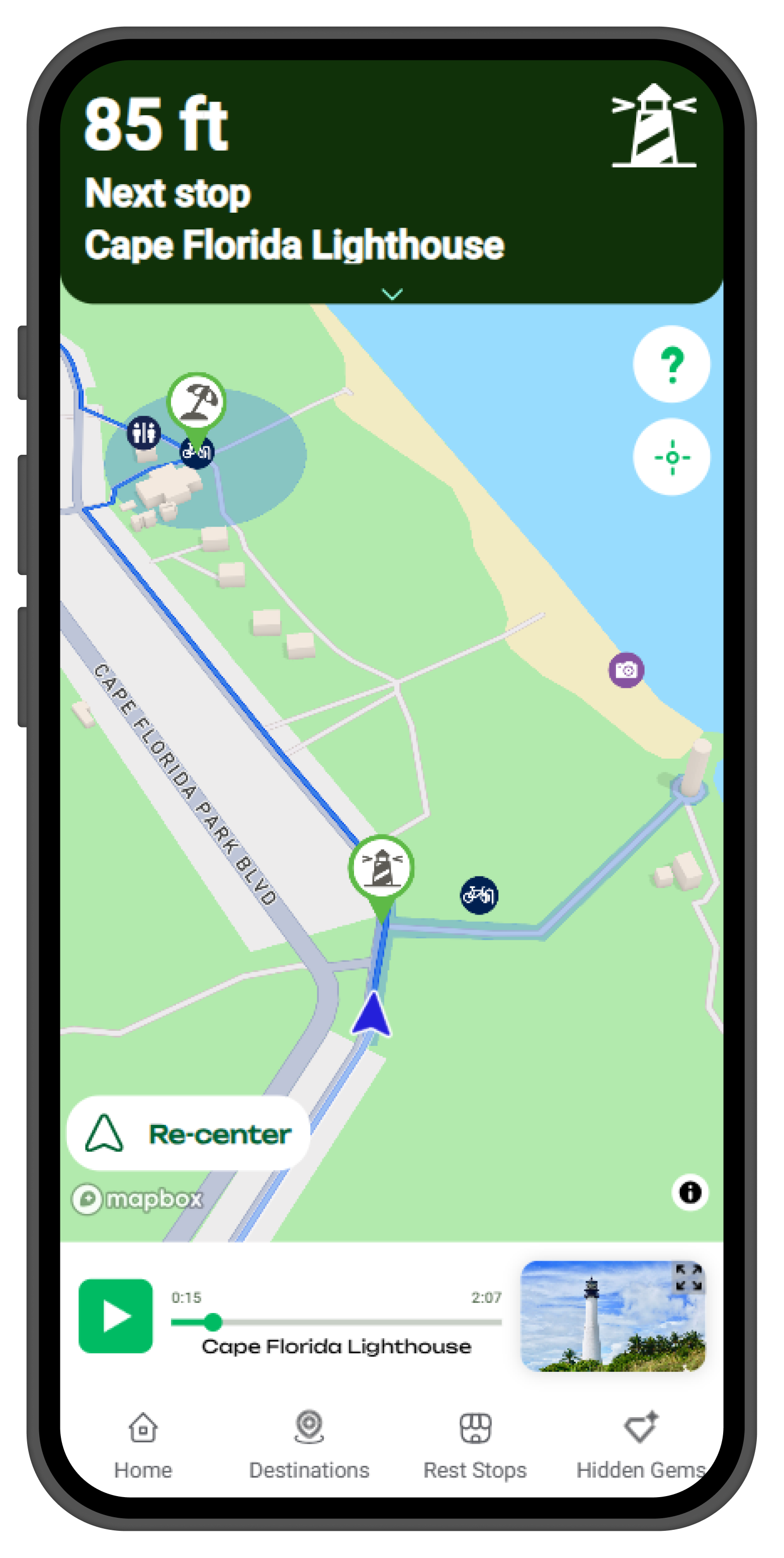
Follow these steps to start your self-guided adventure. Everything you need is in your pocket… Let’s ride!
Before you begin,
make sure you have:
A phone mount
Provided at the concierge desk to fit your bike!
A pair of earphones
An iPhone
IOS Version 15 or later
(Currently IOS only)
Download The App
1
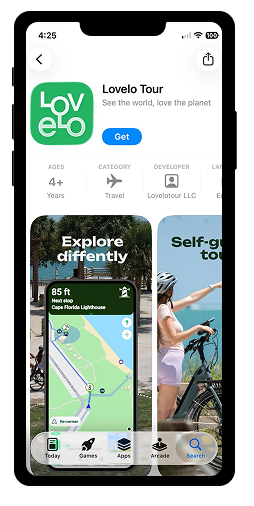
Download the “Lovelo Tour” on the App Store

Select Your Tour & Begin Route
2
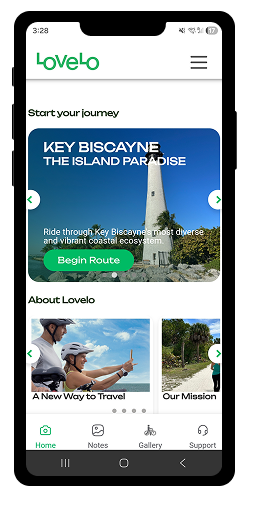
Open your app, select the tour “Key Biscayne” then tap on the “Begin Route”
Enter Your Access Code!
3
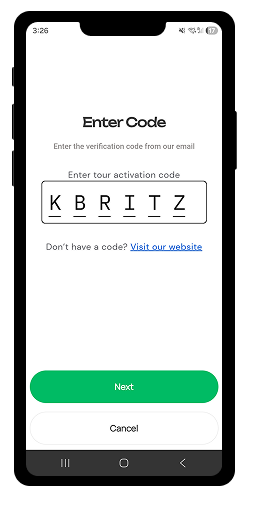
Use the code “KBRITZ” to unlock your tour, then tap on “Next”.
Allow Permissions
4
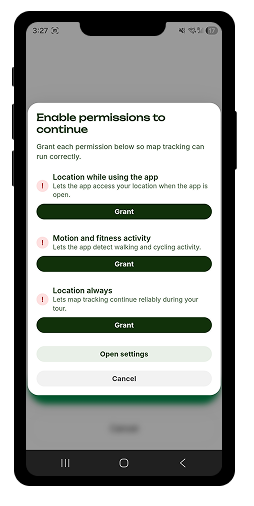
Allow the app to use your phone’s location so it can guide you along the route
Reach The Starting Area
5

Make your way to the tour’s starting area to begin the experience. Once you arrive, the tour will start.
5
Enjoy The Ride!
6
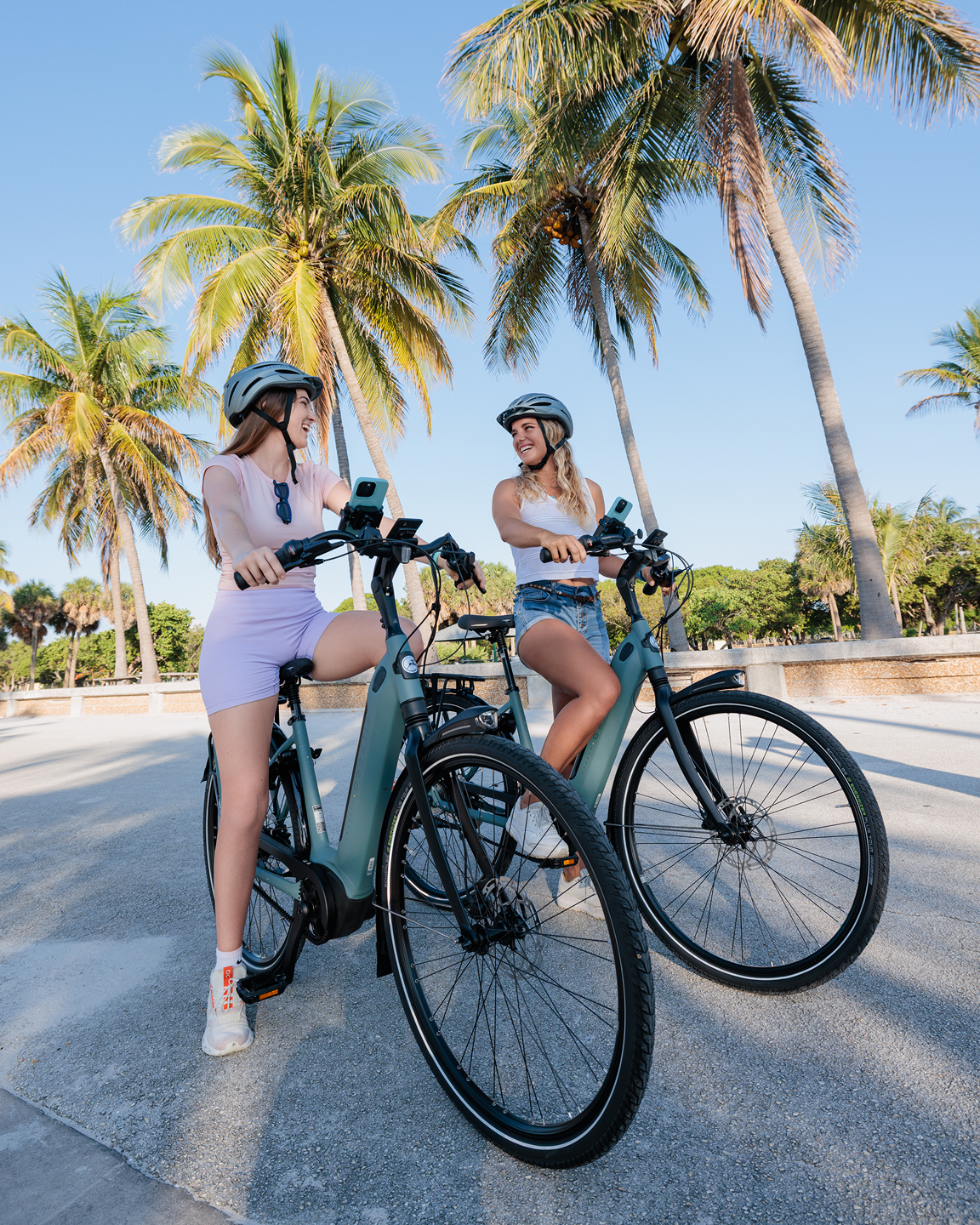
Let your phone guide you through the most scenic views while listening to stories.